
TinyMouse
A compact computer mouse sized for small hands, providing conventional pointer control in a form that can be easier for young learners to grasp and move.
Suitable for
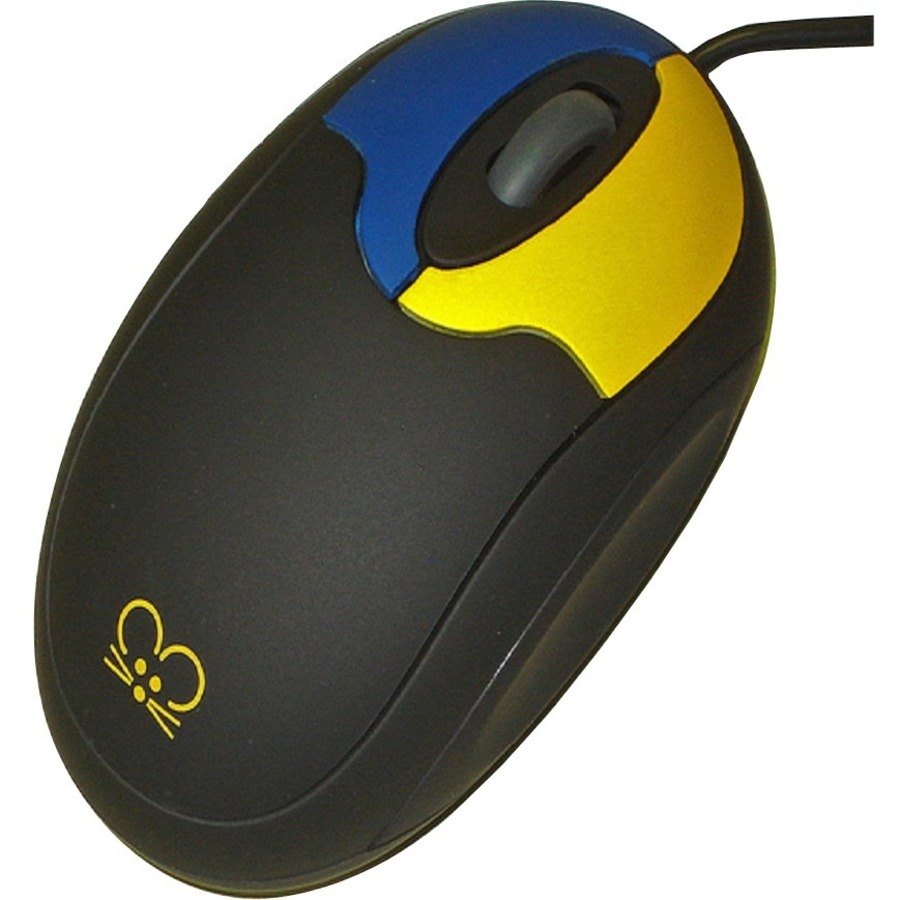
The TinyMouse in brief
TinyMouse is a compact computer mouse designed for children and users who find a full-size adult mouse difficult to grasp or control. Its smaller body reduces the reach required around the device while preserving familiar point-and-click computer access. It can support early computer skills, classroom activities and accessible software where the user has sufficient hand control for direct mouse movement but benefits from a device better matched to hand size. Exact connector and platform compatibility should be confirmed for current stock because TinyMouse has existed in different hardware generations.
Why teams choose the TinyMouse
Small-hand mouse control
A compact body can be easier to grasp and move than a conventional adult-sized computer mouse.
Reduced reach
The smaller form factor reduces the distance the hand must travel across the mouse body to access its controls.
Direct computer access
Supports conventional pointer movement and selection for educational software and everyday computer activities.
Useful for early mouse skills
Can help young learners practise purposeful cursor movement, pointing and clicking with a device sized more appropriately for them.
Quick facts
Type
Compact mouse
Access
Direct hand control
Primary use
Computer access
Compatibility
Model dependent
Every supply includes assessment, set-up, personalisation and training by our specialists. Unsure between options? Start with the condition or book a free consultation.
Is this right for you?
Children and other users who have sufficient hand movement for direct mouse access but find a standard adult mouse physically too large or awkward. It is an access-size adaptation rather than an alternative scanning or switch interface.
Related products
See the TinyMouse in person
Book a free demonstration or arrange a trial. Our specialists will match the set-up to the person who will use it.