
Cerebral Palsy
Cerebral palsy is a group of lifelong conditions affecting movement, balance and posture because of differences or injury in the developing brain. The motor condition itself is non-progressive, but its functional impact varies enormously and can change across the lifespan. Speech, language, vision, hearing, cognition and upper-limb control may be affected in different combinations.
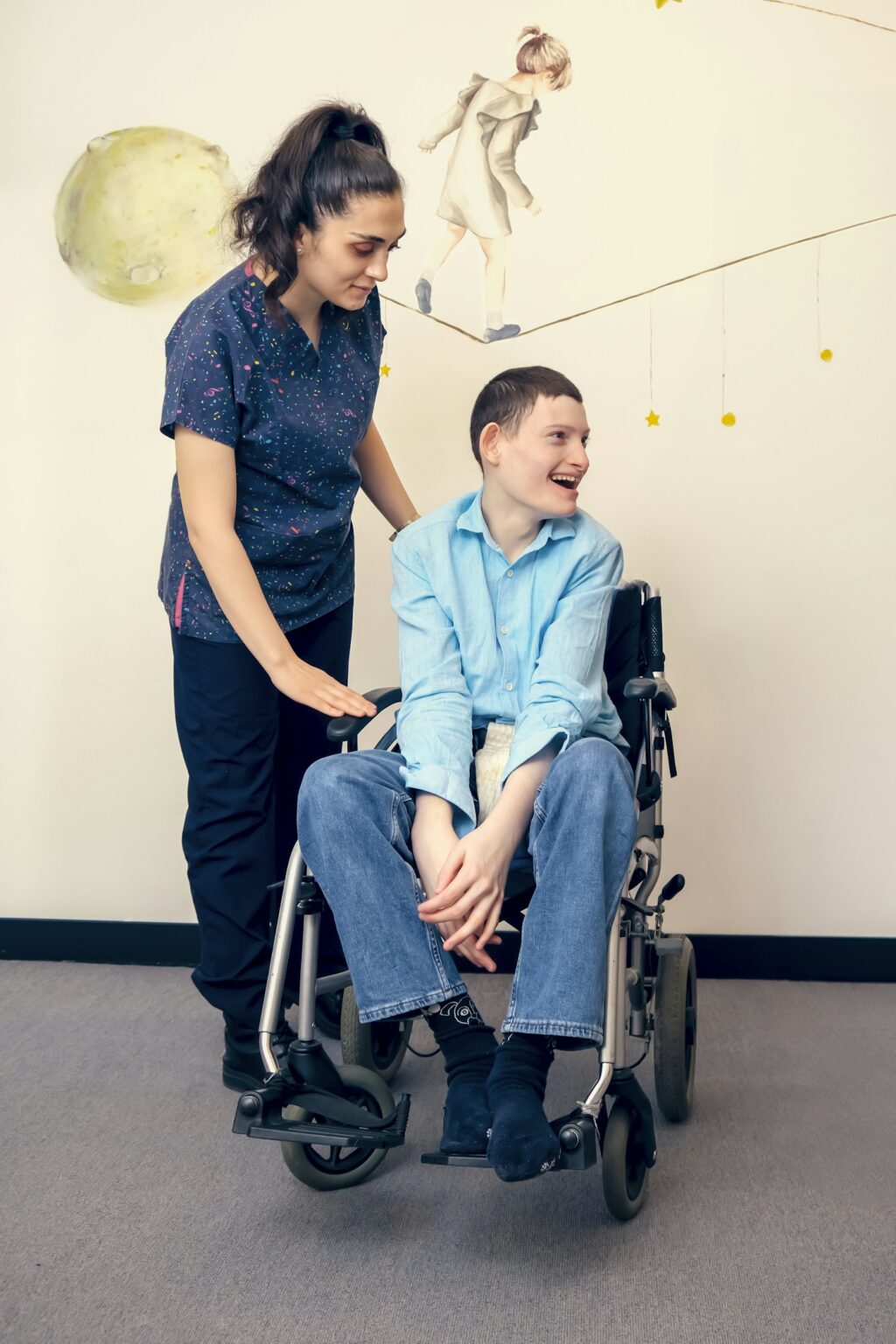
What it can mean day to day
Communication access should therefore be built around the individual rather than the diagnosis. Some people use natural speech, while others benefit from symbols, text, speech-generating devices or a combination. Touch, switches, eye gaze and other access methods may all be appropriate, and good seating and mounting can be just as important as the software.
Where assistive technology can help
Challenge 1
Motor speech difficulties can reduce intelligibility even when language and ideas are strong
Challenge 2
Spasticity, dystonia or limited selective movement can make standard touch and keyboards inefficient
Challenge 3
Posture, visual access and device position directly affect how accurately and comfortably a system can be used
Cerebral Palsy: what typically works
Multimodal AAC
Combine speech, gesture, symbols, text and speech-generating technology so the user has more than one reliable way to communicate.
Individual access assessment
Trial direct touch, keyguards, switches, eye gaze or other inputs based on motor control, vision, fatigue and the task being performed.
Positioning and mounting
Set the device at the right height, angle and distance on a wheelchair, table or floor stand so the chosen access method can work consistently.
Partner training and language growth
Train families, teachers and therapists to model AAC and support communication across real activities, with vocabulary that can grow with language and literacy.
Products our assessments most often lead to
Every recommendation follows an assessment. These are starting points, not prescriptions.
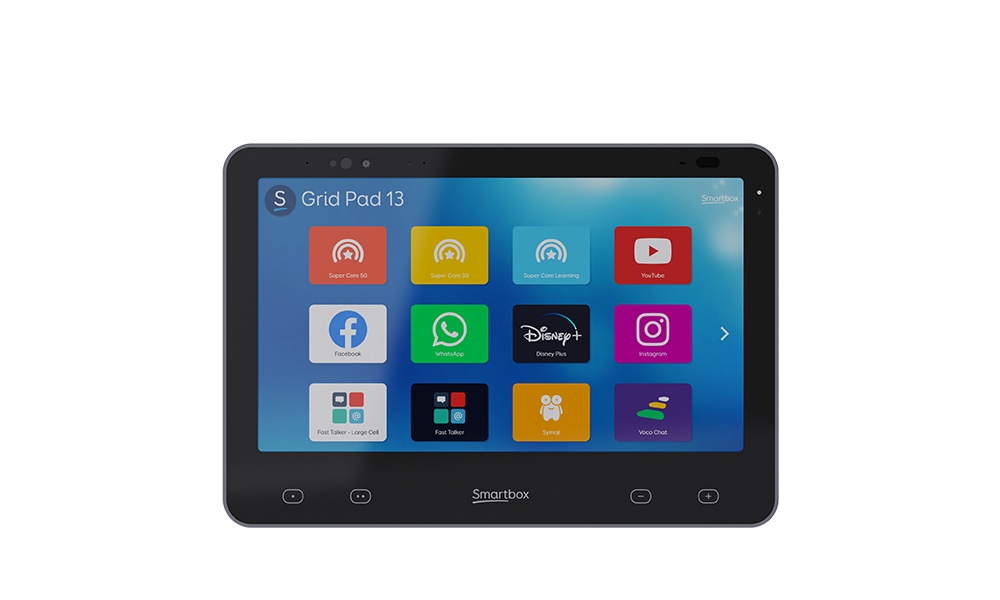
Grid Pad 13
Smartbox
A flagship 13.3-inch Windows AAC device with Grid 3, integrated eye-gaze options, a 6.5-inch second screen and advanced alternative access.
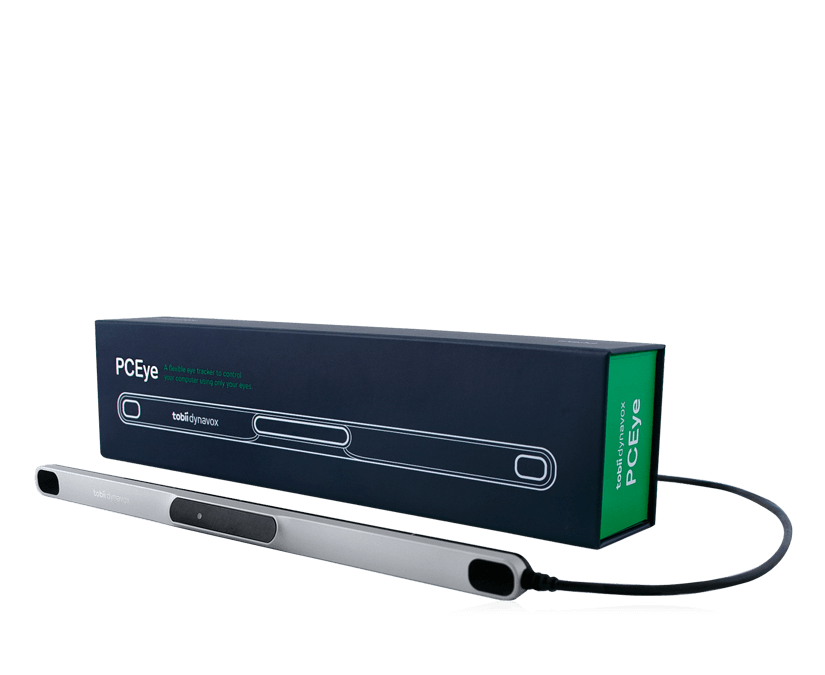
PCEye
Tobii Dynavox
A compact eye tracker for adding eye-gaze access to a compatible Windows tablet, laptop or monitor, with TD Control included.
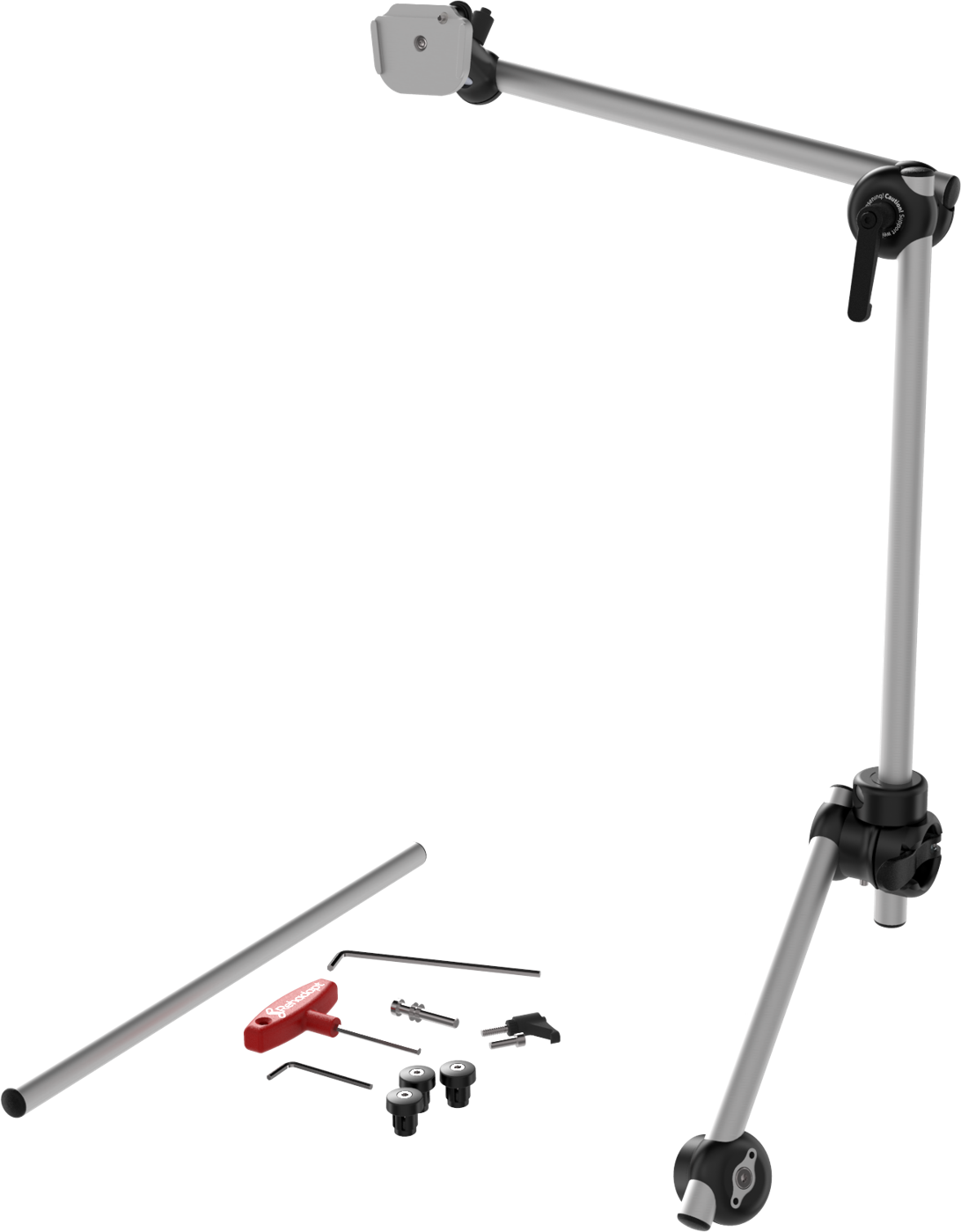
Monty M3D
Rehadapt
A robust modular wheelchair mounting system for positioning AAC devices securely and ergonomically while keeping the device accessible throughout the day.
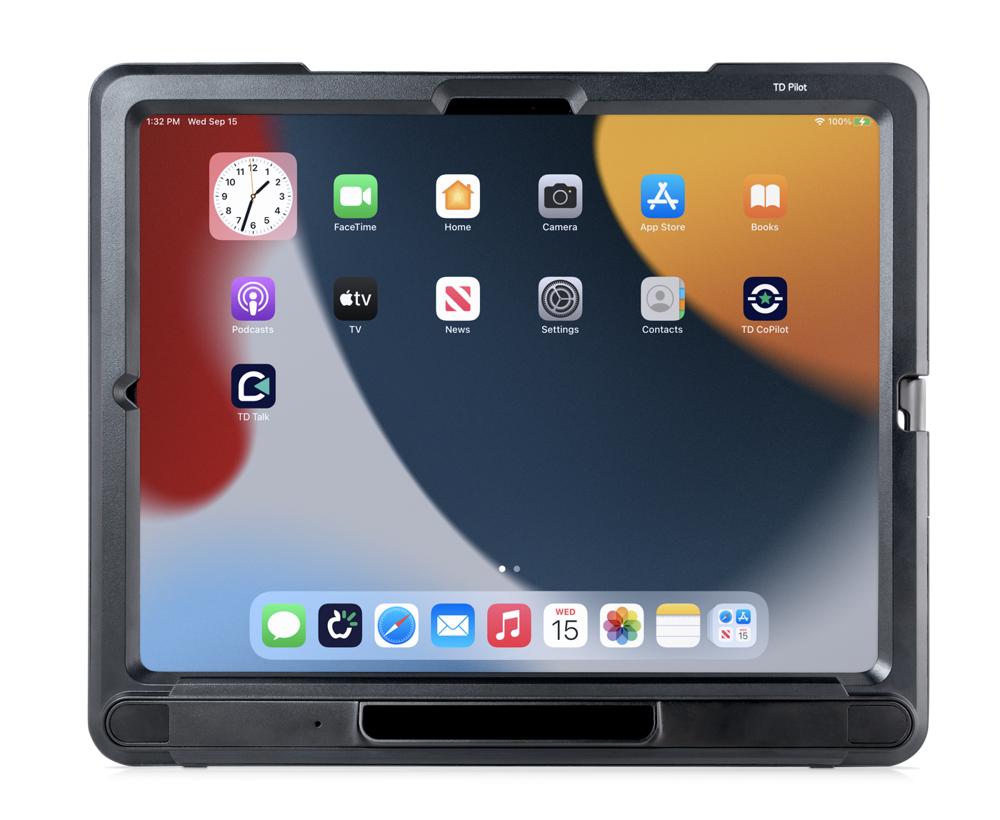
TD Pilot (iOS)
Tobii Dynavox
A dedicated eye-controlled iPadOS speech generating device with integrated Tobii eye tracking, Partner Window, powerful speakers and pre-installed AAC apps.
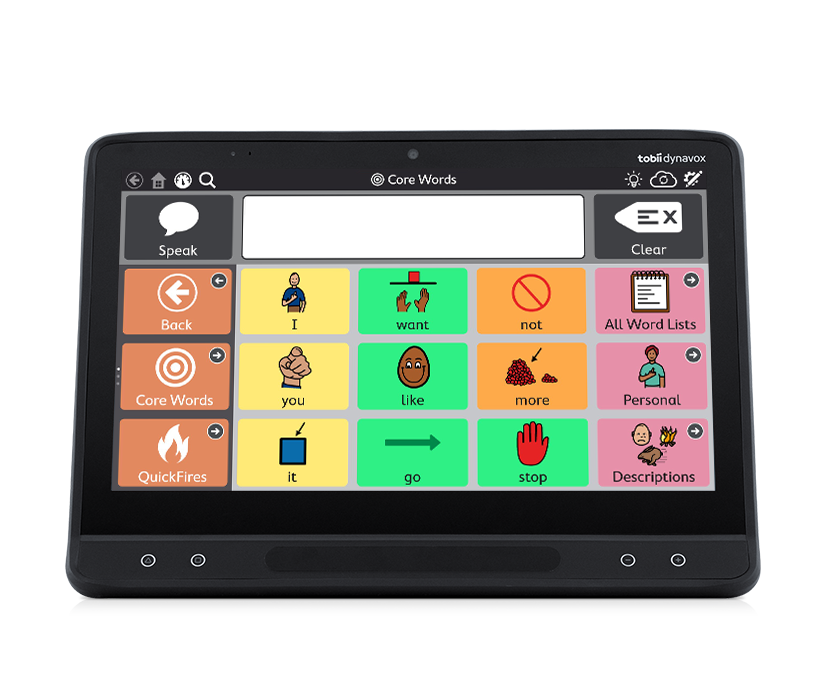
TD I-16 (Windows)
Tobii Dynavox
A flagship 15.6-inch Windows speech generating device with integrated eye tracking, Partner Window and a complete AAC and computer-access software suite.
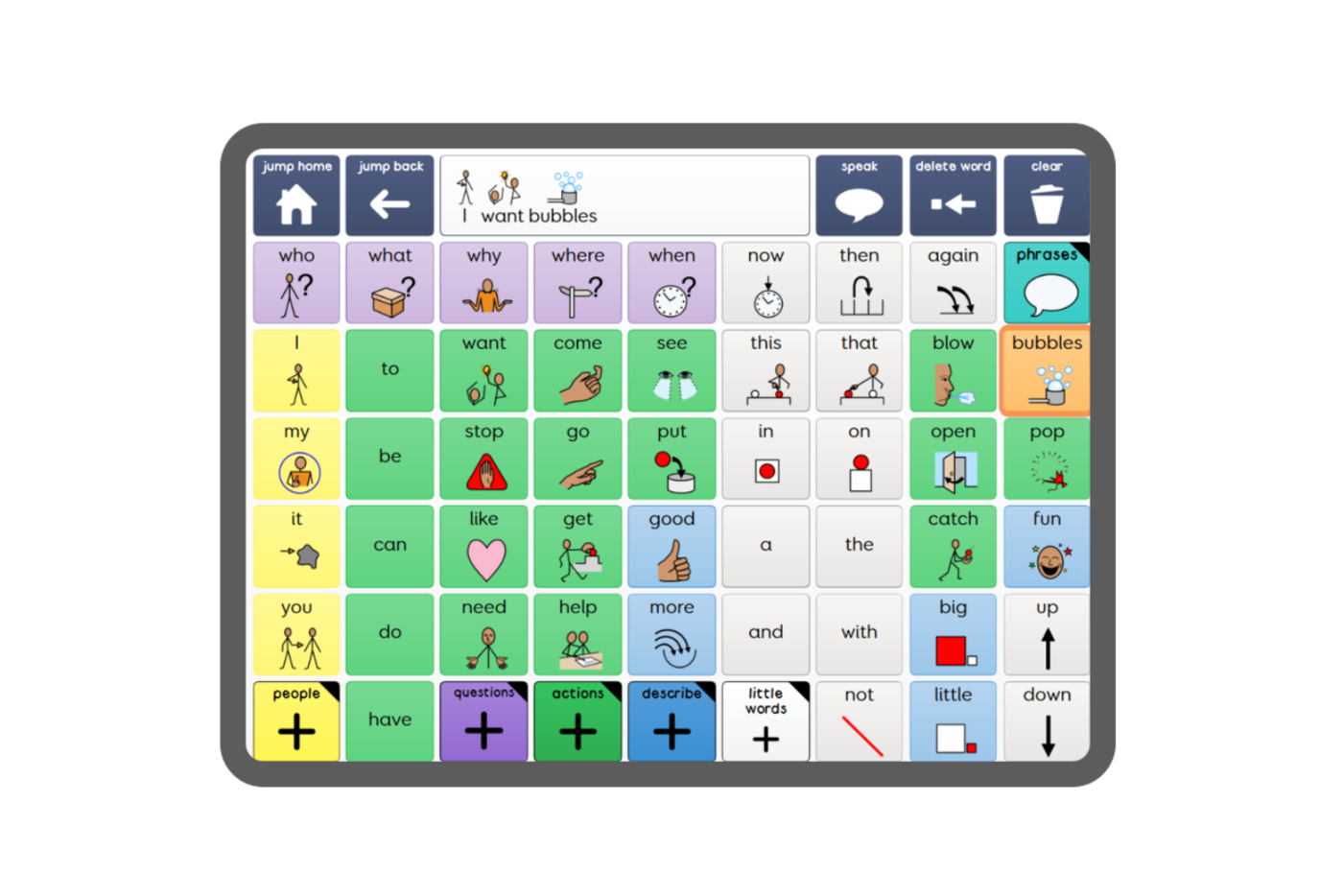
Grid 3 for Windows
Smartbox
Smartbox's flagship Windows AAC software for communication, computer access, environmental control and independence across multiple access methods.
Your first step
A useful CP assessment brings communication, motor access and positioning together. We review how the person currently communicates, what movements are most reliable, how they are seated, and whether vision, fatigue or involuntary movement changes performance before deciding on hardware.
Cerebral palsy: common questions
How can assistive technology help people with cerebral palsy?
Assistive technology gives people with cerebral palsy more than one reliable way to communicate and take part. Depending on the person, that can combine speech, gesture, symbols, text and speech-generating devices, accessed by touch, keyguards, switches or eye gaze.
Why do seating and mounting matter for someone with cerebral palsy?
Posture, visual access and device position directly affect how accurately and comfortably a system can be used. Setting the device at the right height, angle and distance on a wheelchair, table or floor stand lets the chosen access method work consistently.
How does eye gaze help a child with cerebral palsy?
Eye gaze lets children with cerebral palsy who have limited reliable hand movement communicate and play using their eyes. By tracking eye movement, the child can pop balloons in a game or choose symbols to say 'I want more', and it is often the first time a child with severe CP can exert control over their world.
What are scanning switches?
Scanning switches are buttons that let a user move through items on a screen and select one by pressing the switch when the right item is highlighted. If a user has consistent movement in one part of their body, such as the head, hand or foot, switches can be a less tiring alternative to eye gaze for some children.
What is a visual scene display (VSD)?
A visual scene display (VSD) uses a real photo as the communication interface rather than abstract symbols. For children who find symbols difficult, we might take a photo of their toy box or kitchen, so that when they look at the toy in the photo, the device says 'I want to play'.
What are dynamic mounts for spasticity?
Dynamic mounts absorb the force when a user has a muscle spasm, giving way under pressure and then returning to position. If a user has an extensor thrust, a standard rigid mount might break or even injure them, which is why dynamic mounts are used.
Tell us about the person you support
Every journey starts with a conversation. Our specialists will help you find the right path, with no pressure and no jargon.
Email us
info@consortworld.com
Call us
+971 4 431 4400
Visit us
Office 1102, The Dome Tower, Cluster N, JLT, Dubai