
ADHD
ADHD is a neurodevelopmental disorder involving developmentally inappropriate patterns of inattention and/or hyperactivity-impulsivity that interfere with functioning across settings. Difficulties may show up as losing track of multi-step tasks, inconsistent sustained attention, forgetfulness, restlessness, time-management problems or difficulty organising materials and work.

What it can mean day to day
Assistive technology does not treat ADHD, but it can reduce the executive-function and literacy load of everyday tasks. The most useful supports are usually simple and visible: externalising time, breaking work into steps, reducing unnecessary reading or writing effort, and creating structured opportunities for movement and regulation without removing the learner from participation.
Where assistive technology can help
Challenge 1
Time can feel abstract, making starting, pacing and finishing tasks difficult
Challenge 2
Multi-step instructions, materials and deadlines can be hard to hold in working memory and organise
Challenge 3
Long reading or writing tasks can consume attention before the learner can show what they know
ADHD: what typically works
Visual time and task structure
Use visual timers, short task sequences and clear endpoints so time and progress are visible rather than held only in working memory.
Reading and writing support
Text-to-speech, word support and digital literacy tools can reduce mechanical effort and help the user stay focused on meaning and ideas.
Movement built into participation
Interactive activities and planned movement breaks can provide an appropriate outlet for activity while keeping the learner connected to the lesson or goal.
Reduce friction in the environment
Simplify interfaces, limit competing distractions and keep the same tools and routines available across home, school or work.
Products our assessments most often lead to
Every recommendation follows an assessment. These are starting points, not prescriptions.
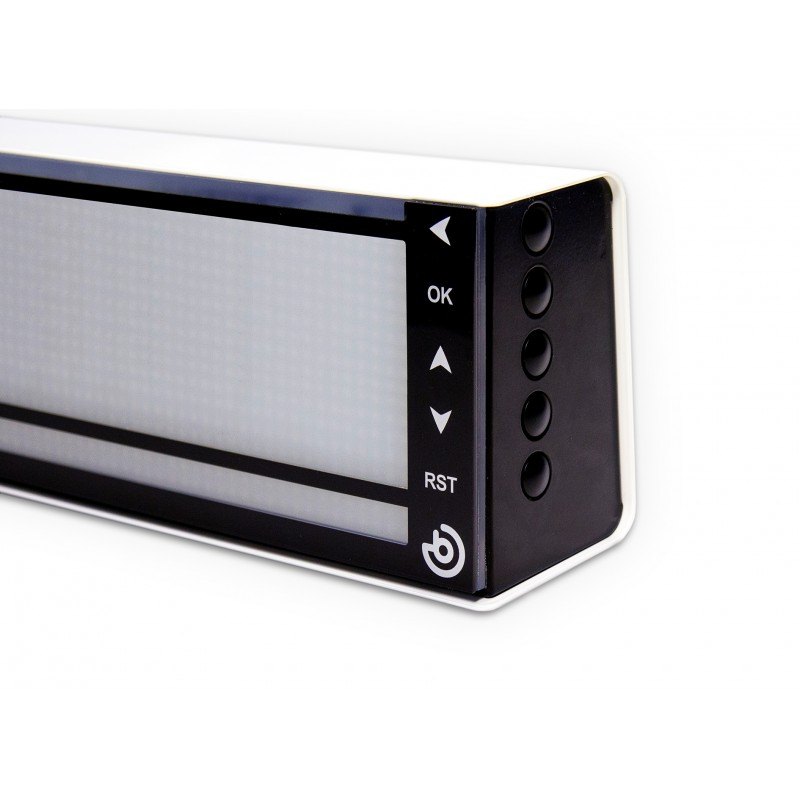
Resetea
Qinera
A programmable visual timer that makes the passage and sequence of time easier to understand using illuminated stages, pictures and pictograms.
Read&Write
Everway
A literacy-support toolbar that helps users read, understand and produce digital text with tools such as text-to-speech, prediction, dictionaries and study supports.
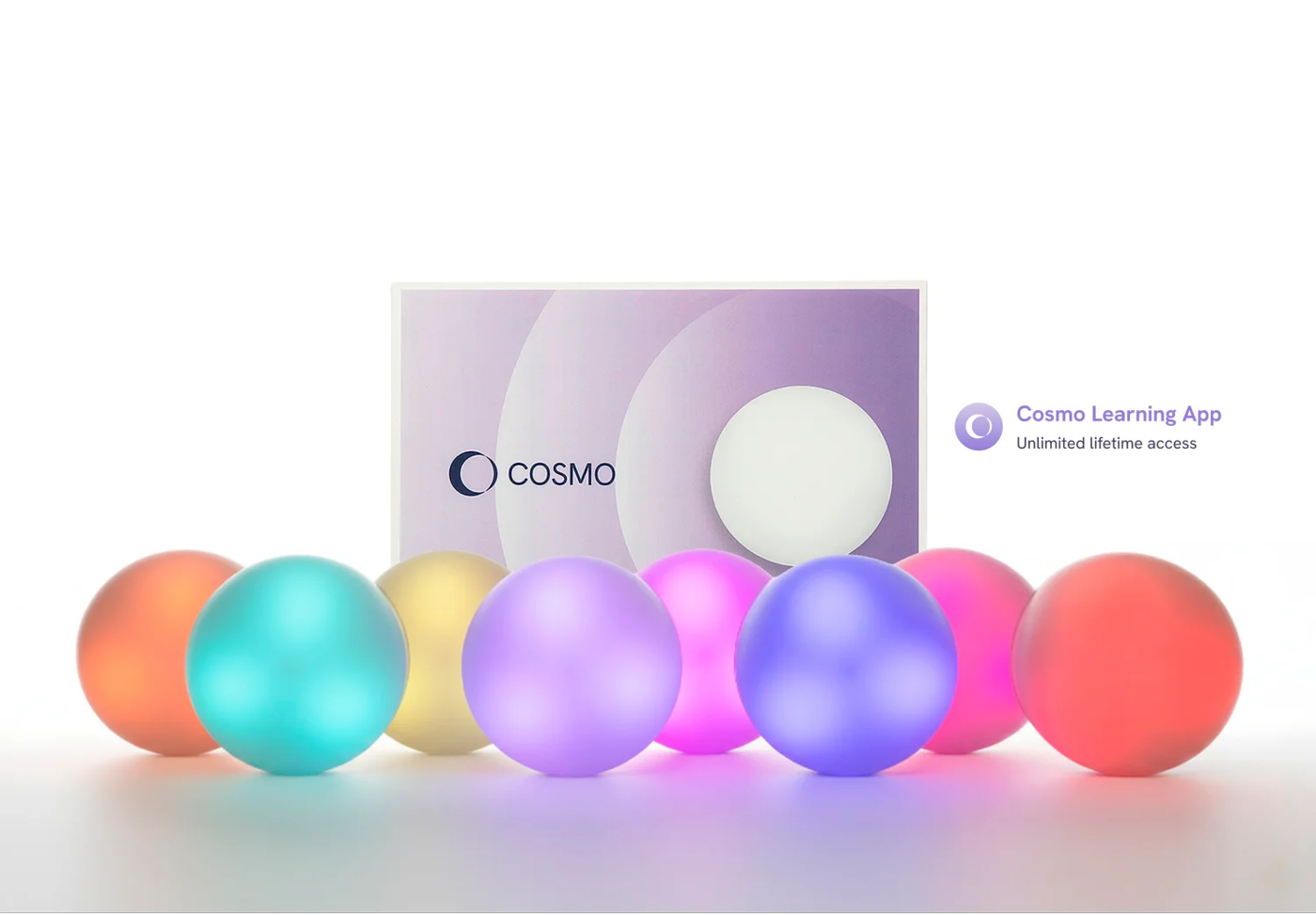
Cosmo Learning System
Cosmo
An interactive learning and therapy system combining eight wireless Cosmo Dots with an iPad app for multisensory, play-based activities across cognitive, motor, communication and social-emotional goals.
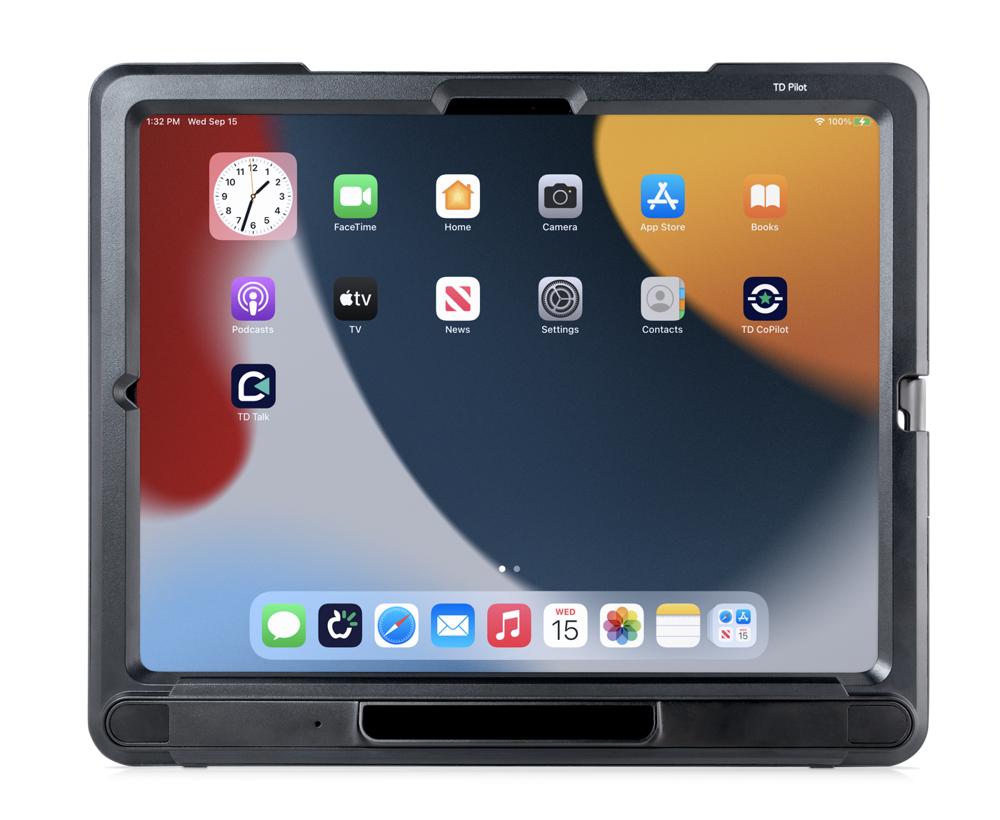
TD Pilot (iOS)
Tobii Dynavox
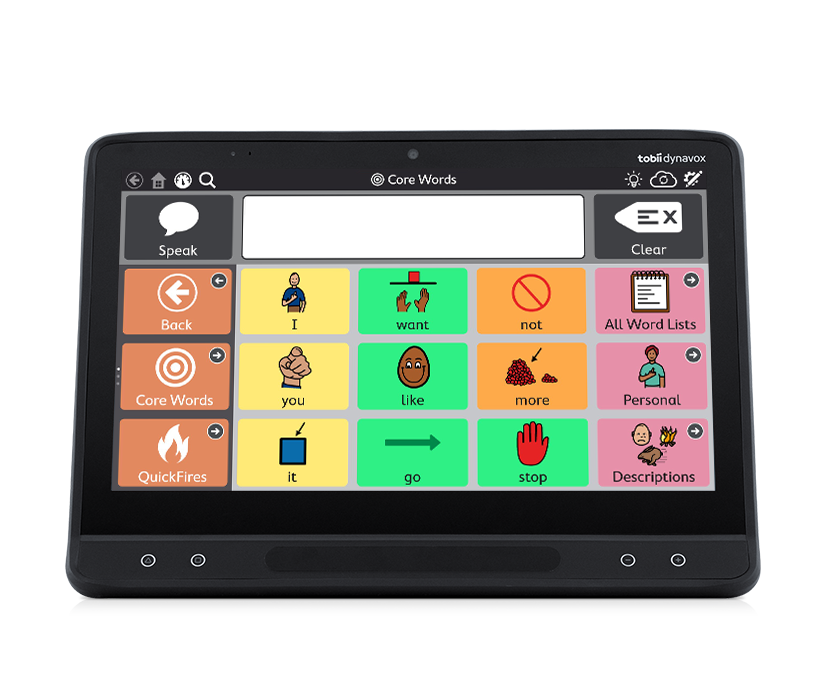
A dedicated eye-controlled iPadOS speech generating device with integrated Tobii eye tracking, Partner Window, powerful speakers and pre-installed AAC apps.
TD I-16 (Windows)
Tobii Dynavox
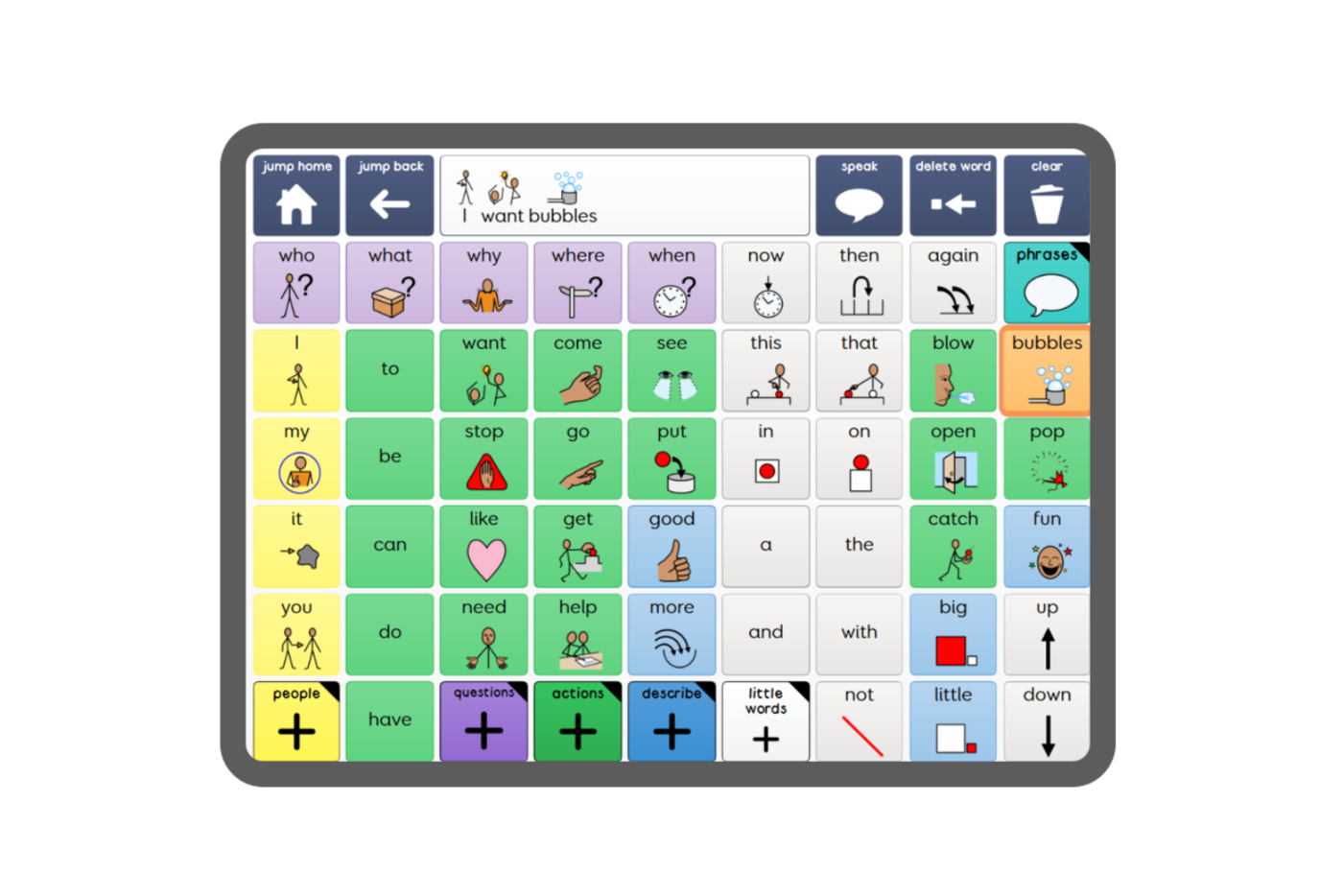
A flagship 15.6-inch Windows speech generating device with integrated eye tracking, Partner Window and a complete AAC and computer-access software suite.
Grid 3 for Windows
Smartbox
Smartbox's flagship Windows AAC software for communication, computer access, environmental control and independence across multiple access methods.
Your first step
Begin with the specific task that is breaking down: getting started, remembering steps, reading, writing, managing time or staying engaged. We recommend the smallest set of tools that makes that task easier, then measure whether it actually improves independence and participation.
ADHD: common questions
Does assistive technology treat ADHD?
No. Assistive technology does not treat ADHD, but it can reduce the executive-function and literacy load of everyday tasks. Visual timers, step-by-step task structure, reading and writing support and planned movement can make work easier to start, follow and finish.
Which tools help most with ADHD at school or work?
The most useful supports are usually simple and visible: visual timers and short task sequences, text-to-speech and word support for reading and writing, interactive activities with planned movement breaks, and the same tools and routines across home, school and work.
How do you choose assistive technology for ADHD?
Begin with the specific task that is breaking down, such as getting started, remembering steps, reading, writing or managing time. We recommend the smallest set of tools that makes that task easier, then check whether it actually improves independence and participation.
Can assistive technology help a child who is easily distracted?
Yes, simplified screens remove clutter so the child can focus on the words. We can hide extra buttons so only the book and the few symbols needed are visible, helping the child stay on track during reading time.
Can assistive technology help with time management at work?
Yes, visual timers and digital organisers can help you stay on track. For employees who find focus difficult, apps that break big tasks into small steps with visual reminders can make a significant difference to productivity.
Tell us about the person you support
Every journey starts with a conversation. Our specialists will help you find the right path, with no pressure and no jargon.
Email us
info@consortworld.com
Call us
+971 4 431 4400
Visit us
Office 1102, The Dome Tower, Cluster N, JLT, Dubai