
Stroke
A stroke injures the brain when blood flow is blocked or a blood vessel ruptures. Its effects depend on the location and extent of the injury and can include weakness on one side, aphasia, dysarthria, apraxia, visual changes, cognitive changes and fatigue. No single technology profile fits every stroke survivor.
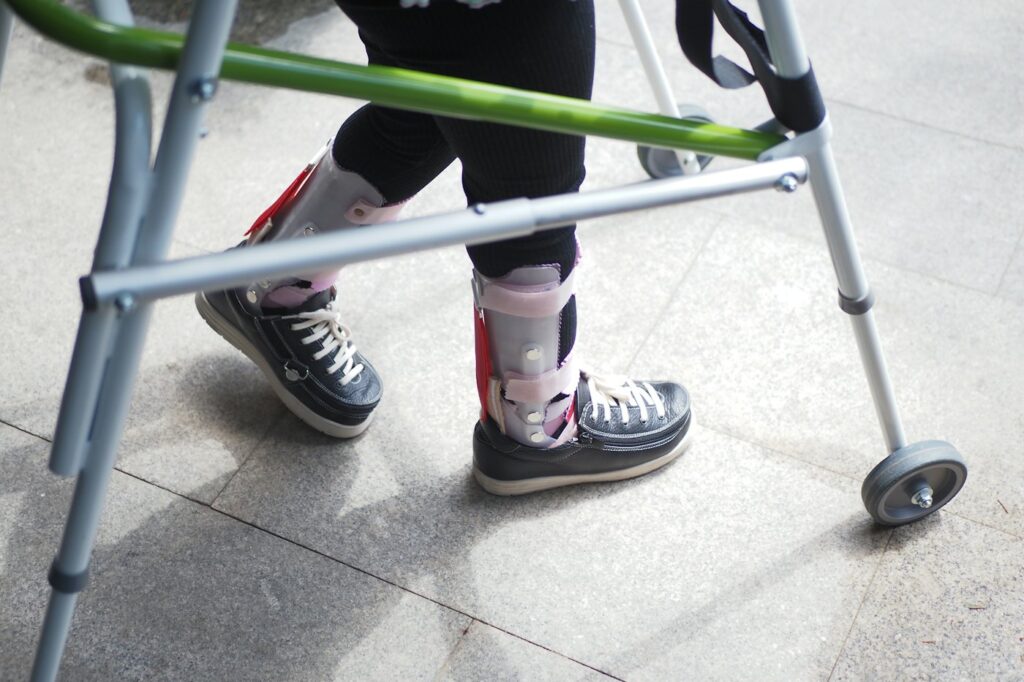
What it can mean day to day
Modern rehabilitation combines restorative therapy with compensatory strategies that support function and participation. Assistive technology can provide communication while speech or language recovers, one-handed or alternative computer access, easier reading and writing, and access methods that can be adjusted as motor ability changes.
Where assistive technology can help
Challenge 1
Aphasia, dysarthria or apraxia of speech can affect communication in different ways
Challenge 2
Hemiparesis or reduced coordination may make a standard keyboard, mouse or two-handed device difficult
Challenge 3
Vision, attention, cognition and fatigue may change which access method works best at different stages of recovery
Stroke: what typically works
AAC during and after recovery
Use communication boards, apps or speech-generating systems to support participation while continuing speech and language rehabilitation where appropriate.
One-handed and alternative computer access
Adapt keyboards, pointing devices and layouts around the stronger hand or another reliable movement so work and digital communication remain accessible.
Eye gaze when limb access is limited
For people with severe motor impairment but adequate eye control and vision, eye tracking can provide direct access to communication and Windows applications.
Technology integrated with rehabilitation
Adjust access and communication supports as recovery evolves and use them to practise meaningful tasks rather than treating the device as a fixed end point.
Products our assessments most often lead to
Every recommendation follows an assessment. These are starting points, not prescriptions.
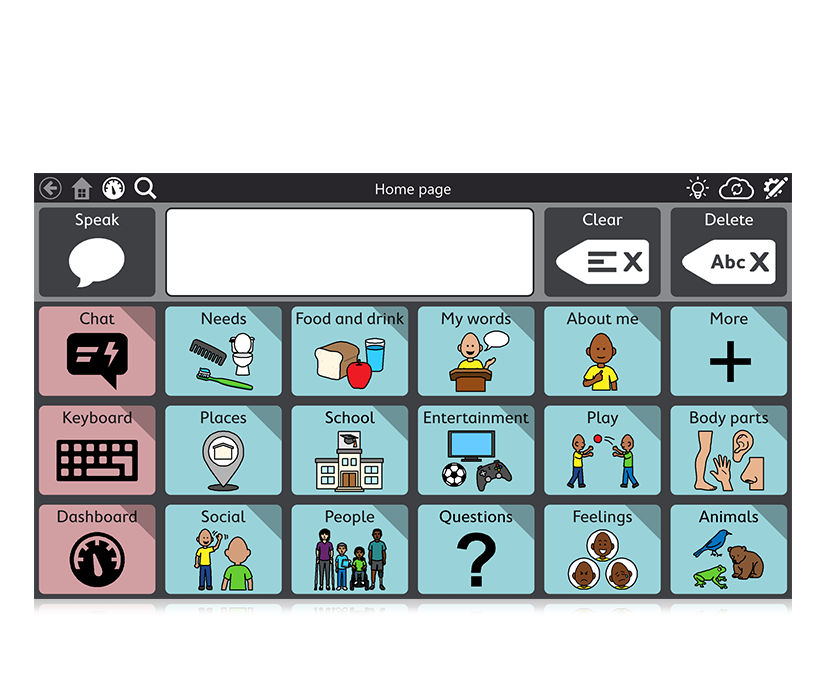
TD Snap
Tobii Dynavox
A flexible symbol-supported AAC platform with multiple page sets, clear speech output and access by touch, eye gaze or switch.
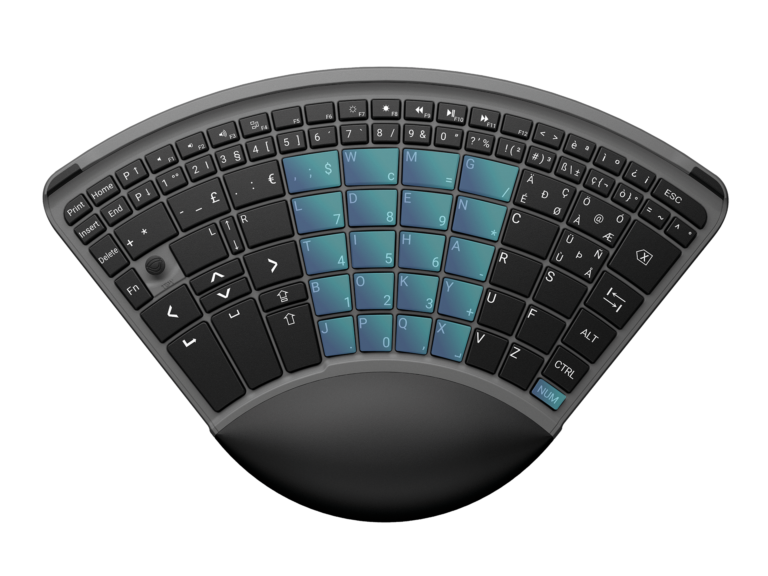
TiPY One-Handed Keyboard
TiPY
A full-featured one-handed keyboard with integrated mouse and numeric keypad, designed for complete computer access using either the left or right hand.
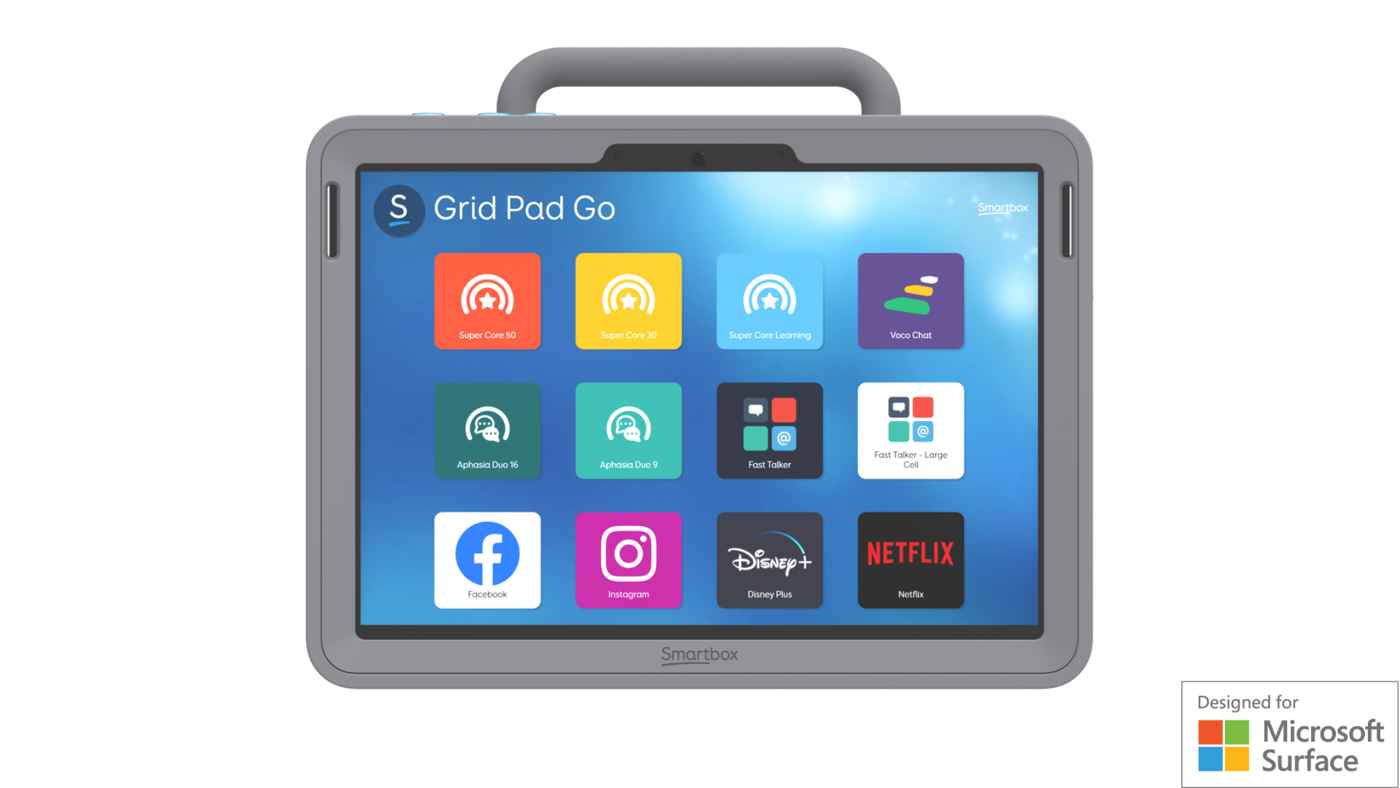
Grid Pad Go
Smartbox
A portable 10.5-inch Windows AAC device with Grid 3, switch access, keyguard options and rugged everyday protection.
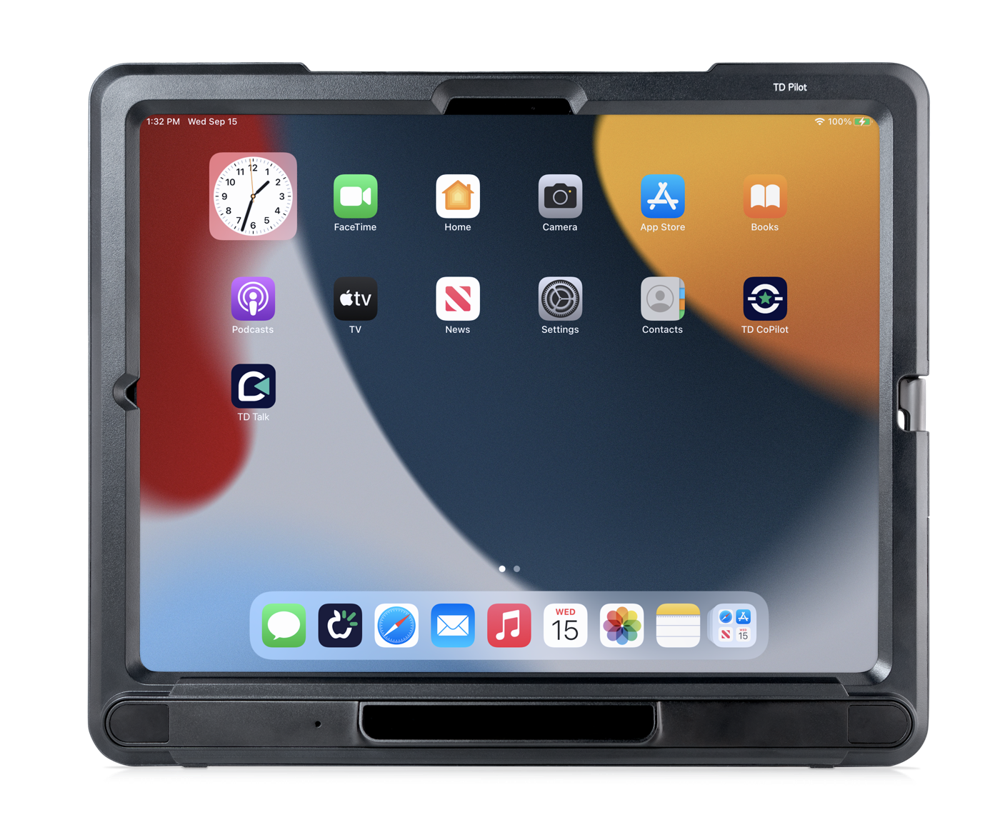
TD Pilot (iOS)
Tobii Dynavox
A dedicated eye-controlled iPadOS speech generating device with integrated Tobii eye tracking, Partner Window, powerful speakers and pre-installed AAC apps.
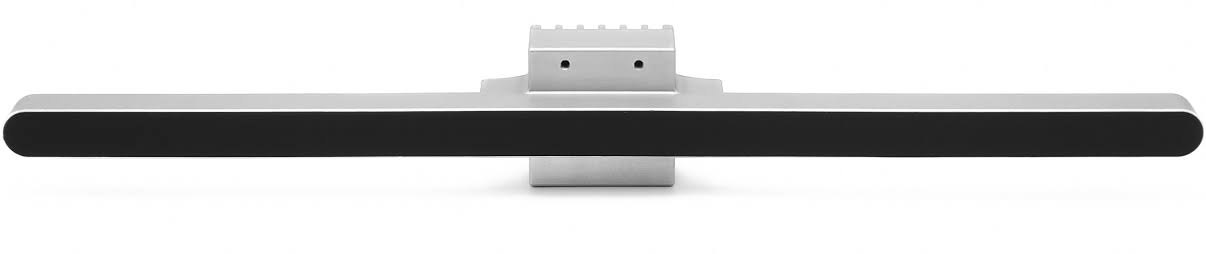
Eyetuitive
GazeFirst
A compact, AI-powered eye tracker that adds eye-gaze control to Windows computers and iPad Pro, with no extra licences required.
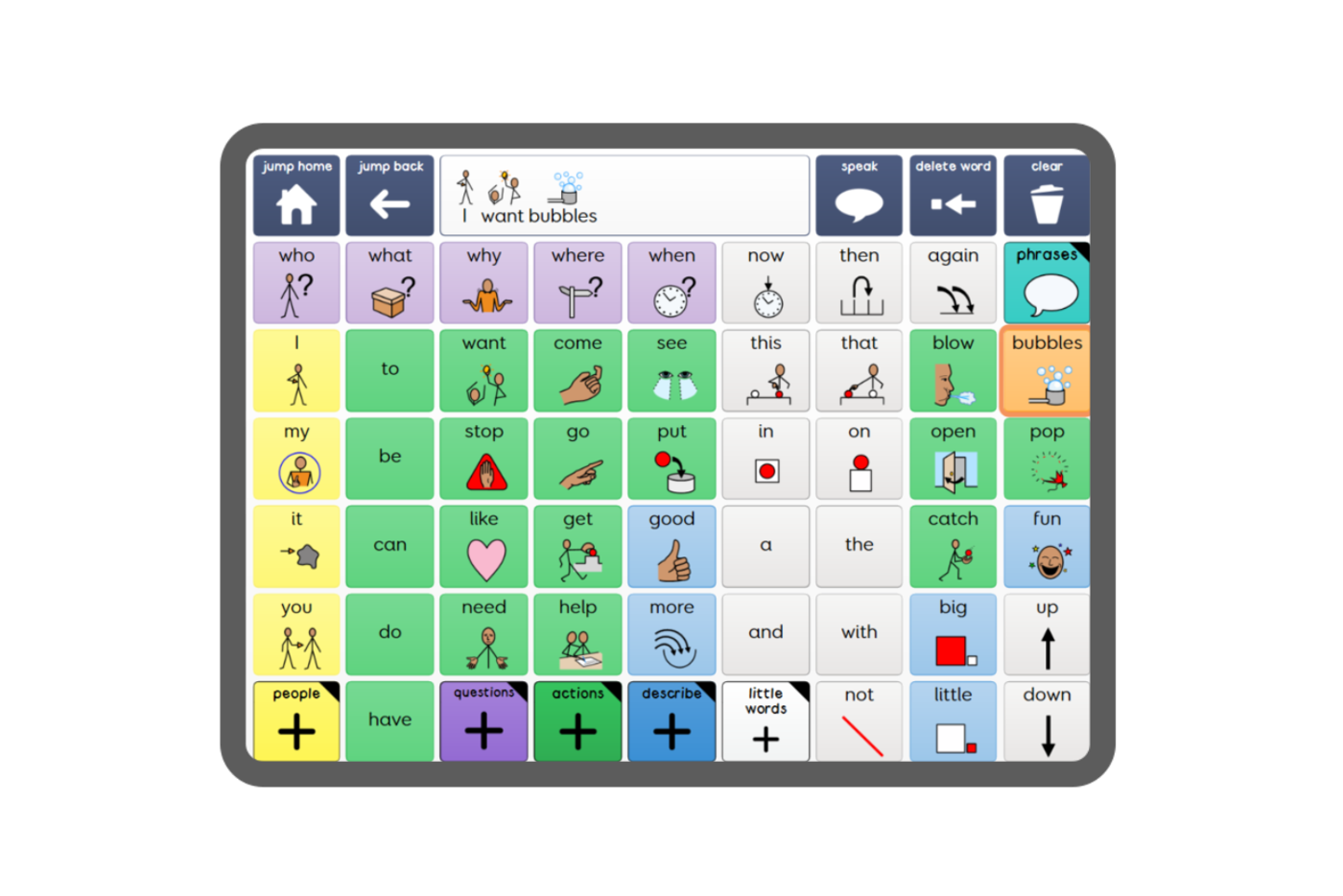
Grid 3 for Windows
Smartbox
Smartbox's flagship Windows AAC software for communication, computer access, environmental control and independence across multiple access methods.
Your first step
AT assessment can begin during rehabilitation and should be reviewed as recovery changes. We look separately at language, speech, vision, cognition, upper-limb function and fatigue so the chosen technology supports the person's current abilities without limiting future progress.
Tell us about the person you support
Every journey starts with a conversation. Our specialists will help you find the right path, with no pressure and no jargon.
Email us
info@consortworld.com
Call us
+971 4 431 4400
Visit us
Office 1102, The Dome Tower, Cluster N, JLT, Dubai